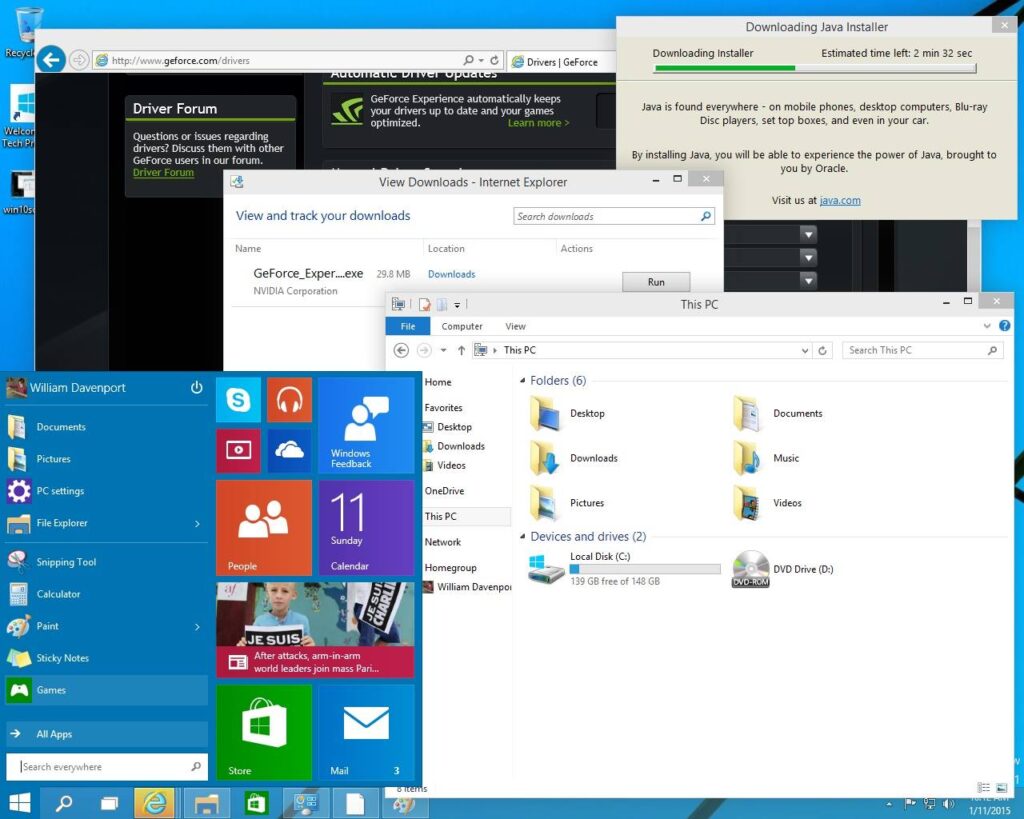
I am supremely impressed at the preview of Windows 10 Technical Preview. I have all the excitement about a Windows OS that I had when Win7 came out. Microsoft [1] centered the look back around the Start Menu and the desktop. It’s snappy and the layout makes sense to a person who’s been using Windows since 3.11.
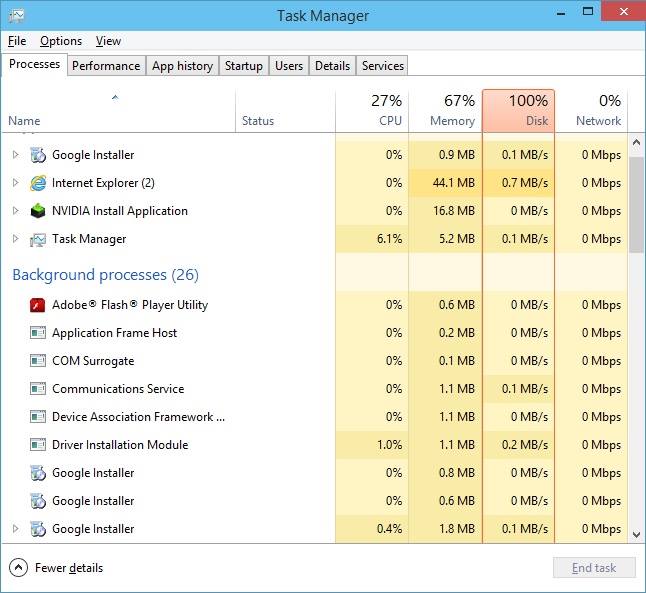
So far, I’ve been most impressed by the new task manager. It’s simple view just shows what’s running and lets you kill tasks. The ‘more details’ button opens the box you can see attached that shows ALL of the possible reasons for load issues on a PC. “Why is my computer running slow??” “Because you have an oldballz harddrive and it’s completely overburdened by the three installations you have running.” BOOM; technician’d.
If you have a spare PC (mine’s currently running on an old dual core with 2 GB ram; anything fairly recent should do) go and download the preview of Windows 10 and try it out.
http://windows.microsoft.com/en-us/windows/preview-iso [2]